
Check the problems before opening the answer key
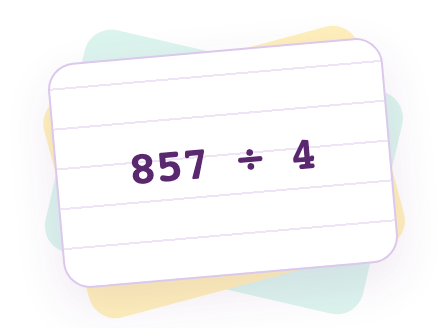
Pick a skill from the grade directory, such as Grade 4 division with remainders. Check the number of problems and room to show work, then open the answer key. If you replace a problem in the generator, check its new answer.
For example, 95 ÷ 4 gives a quotient of 23 and a remainder of 3. Verify that 4 × 23 + 3 = 95 and that 3 is less than 4. Write down both checks.
Check page breaks in print preview
Choose the paper size you will use. Print the worksheet on its own for students, and include the answer key for your own copy. Check your browser’s print preview, or save a PDF for later.